What's new in Sundial

Curated notes on the latest Sundial releases, workflow upgrades, and product improvements.

  1. MCP Connectors bring Notion, Linear, and Slack into Sundial

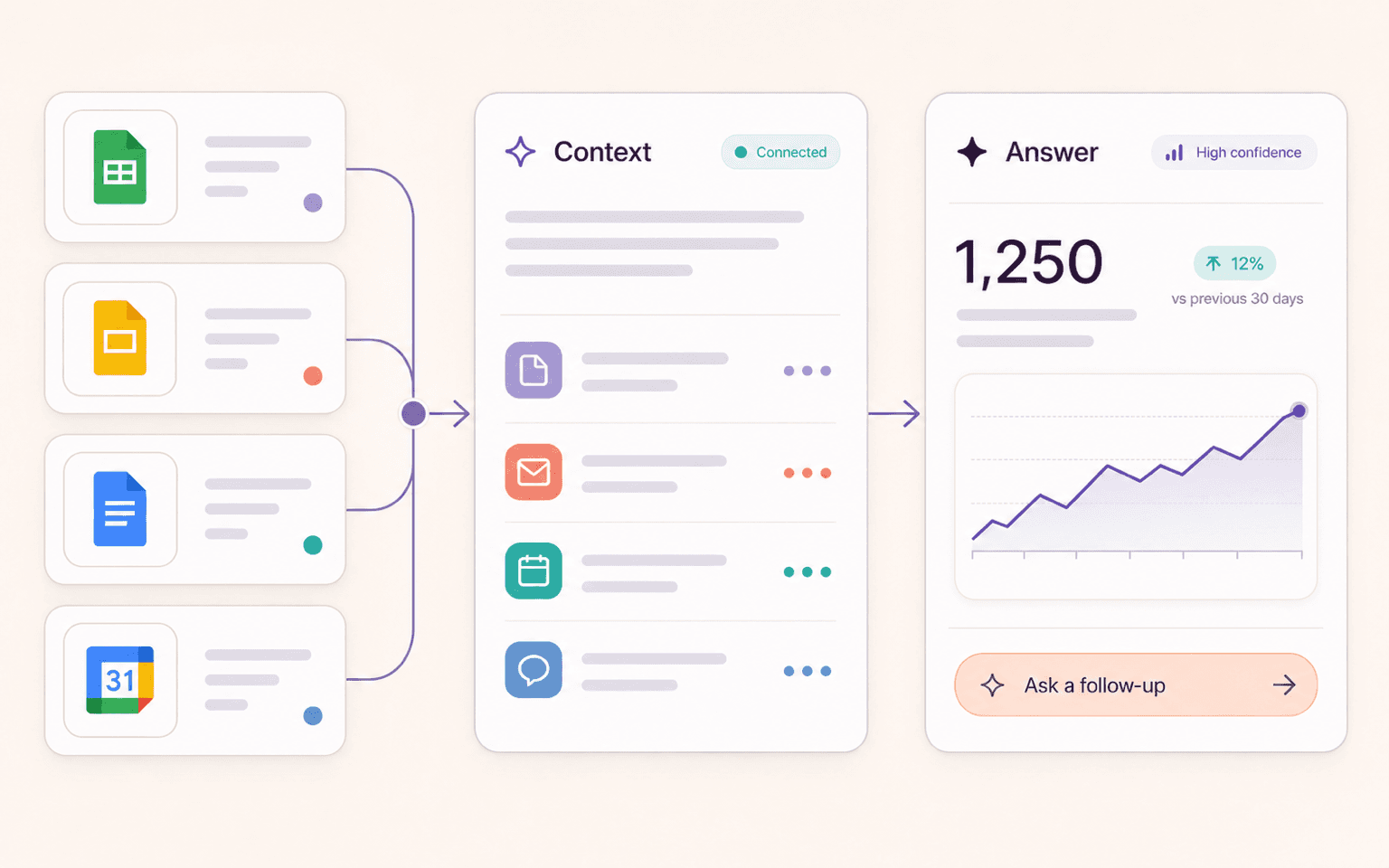
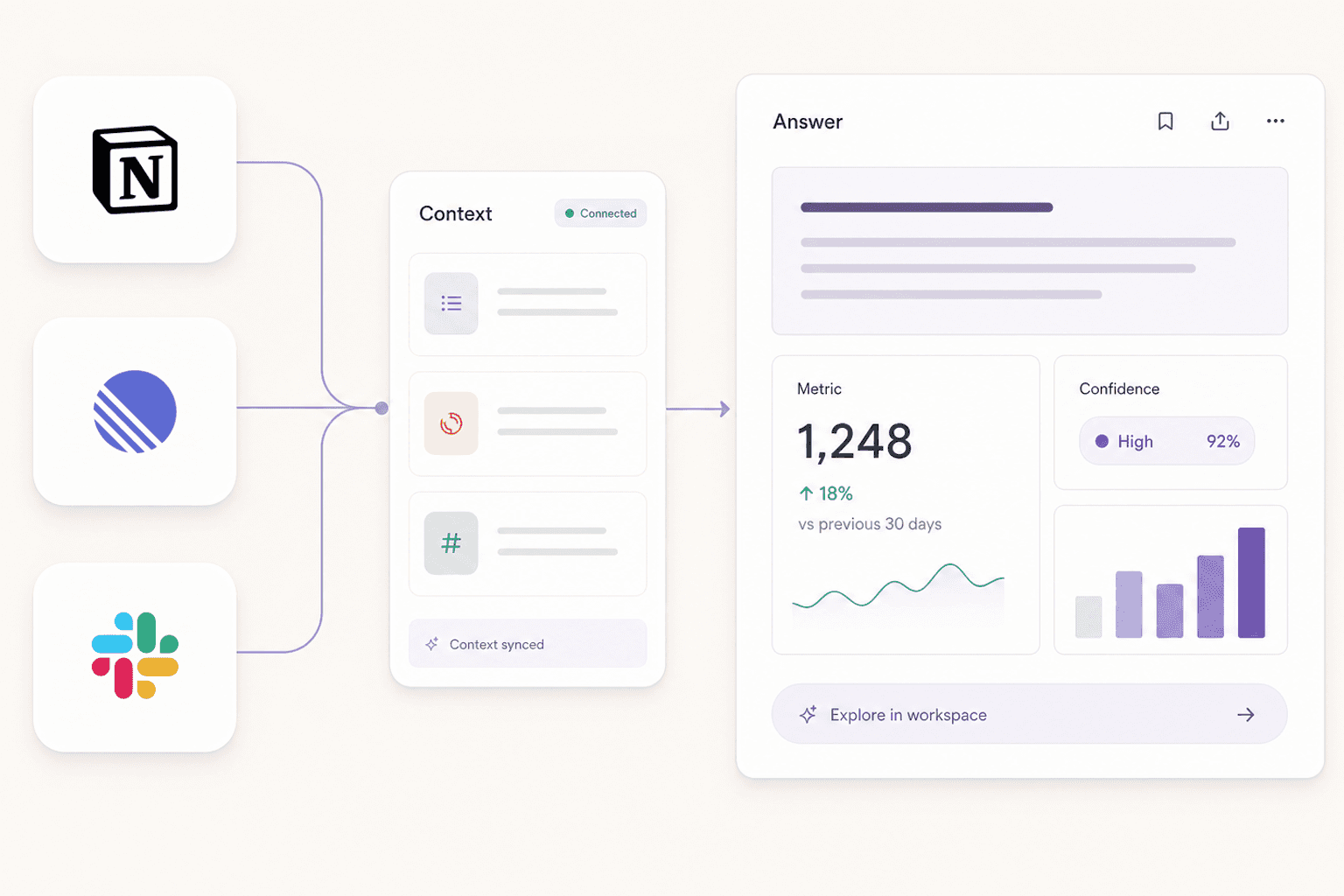
    Notion, Linear, and Slack logo cards connected to a Sundial context panel and answer dashboard.

    Sundial agents can now use connected apps while answering questions, so teams can combine warehouse metrics with the docs, issues, and discussions that explain what is happening. Connected apps help bring operating context into analysis without copy-pasting it into every conversation.

    IntegrationsBeta access
  2. Data Apps and refreshable artifacts

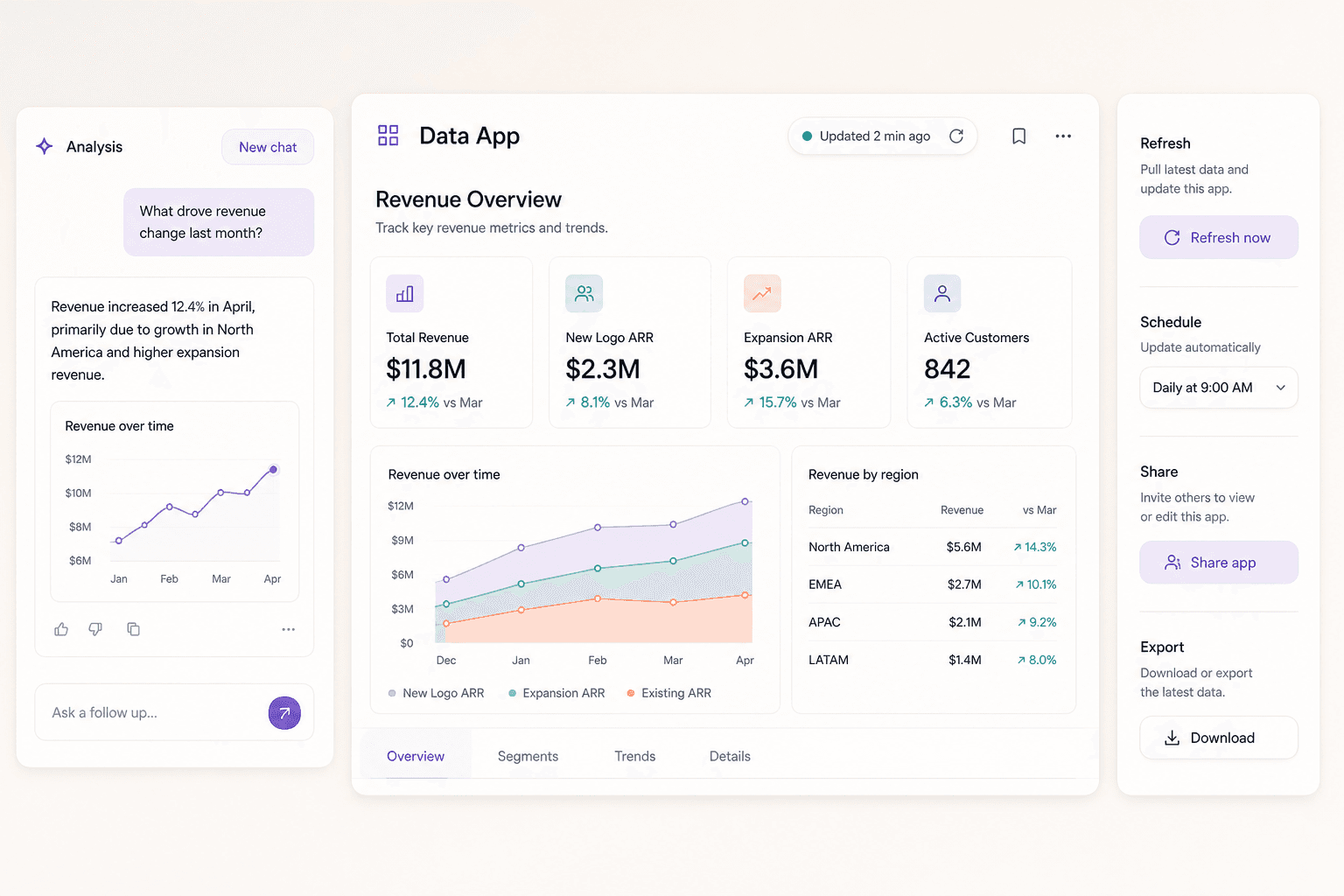
    A Sundial data app preview with refresh, schedule, share, and export controls.

    Sundial can turn analysis into reusable, refreshable app-like outputs that teams can revisit as the underlying data changes. This helps recurring analysis live beyond the first conversation without becoming a static screenshot or one-off export.

    AI AnalystFor supported artifact workflows
  3. GitHub-backed context and semantic modeling

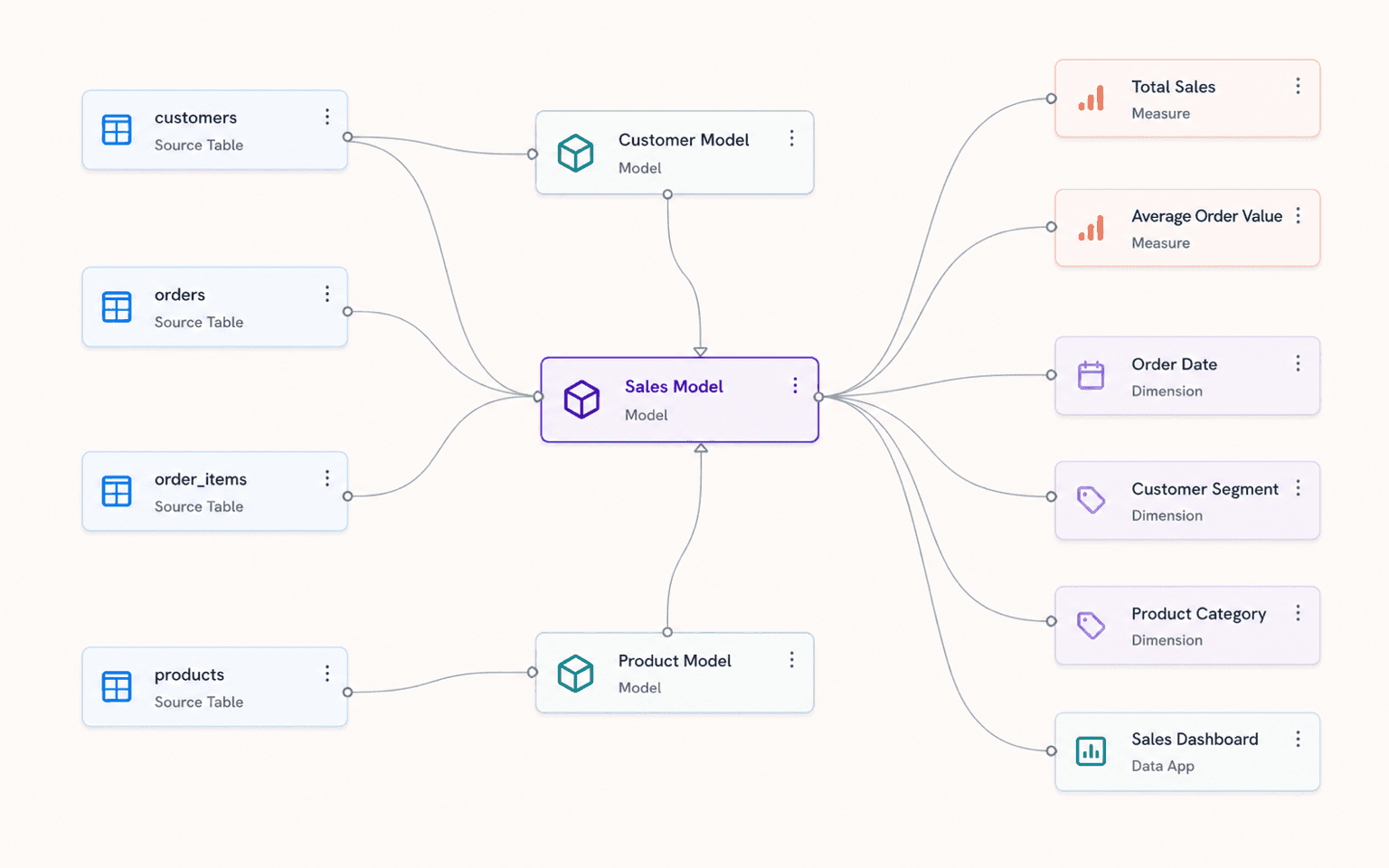
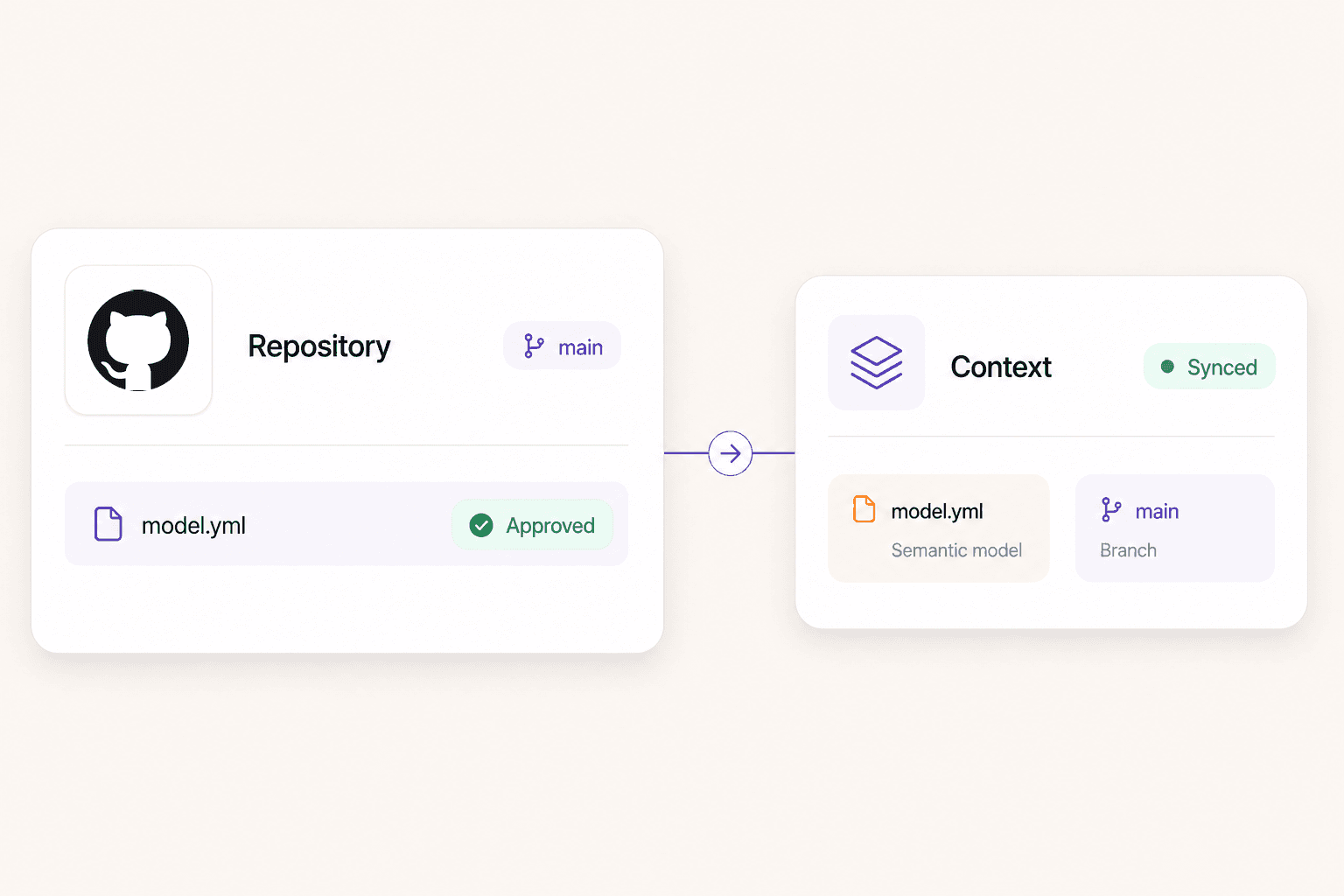
    A GitHub logo card connected to an approved repository model file syncing into a Sundial context card.

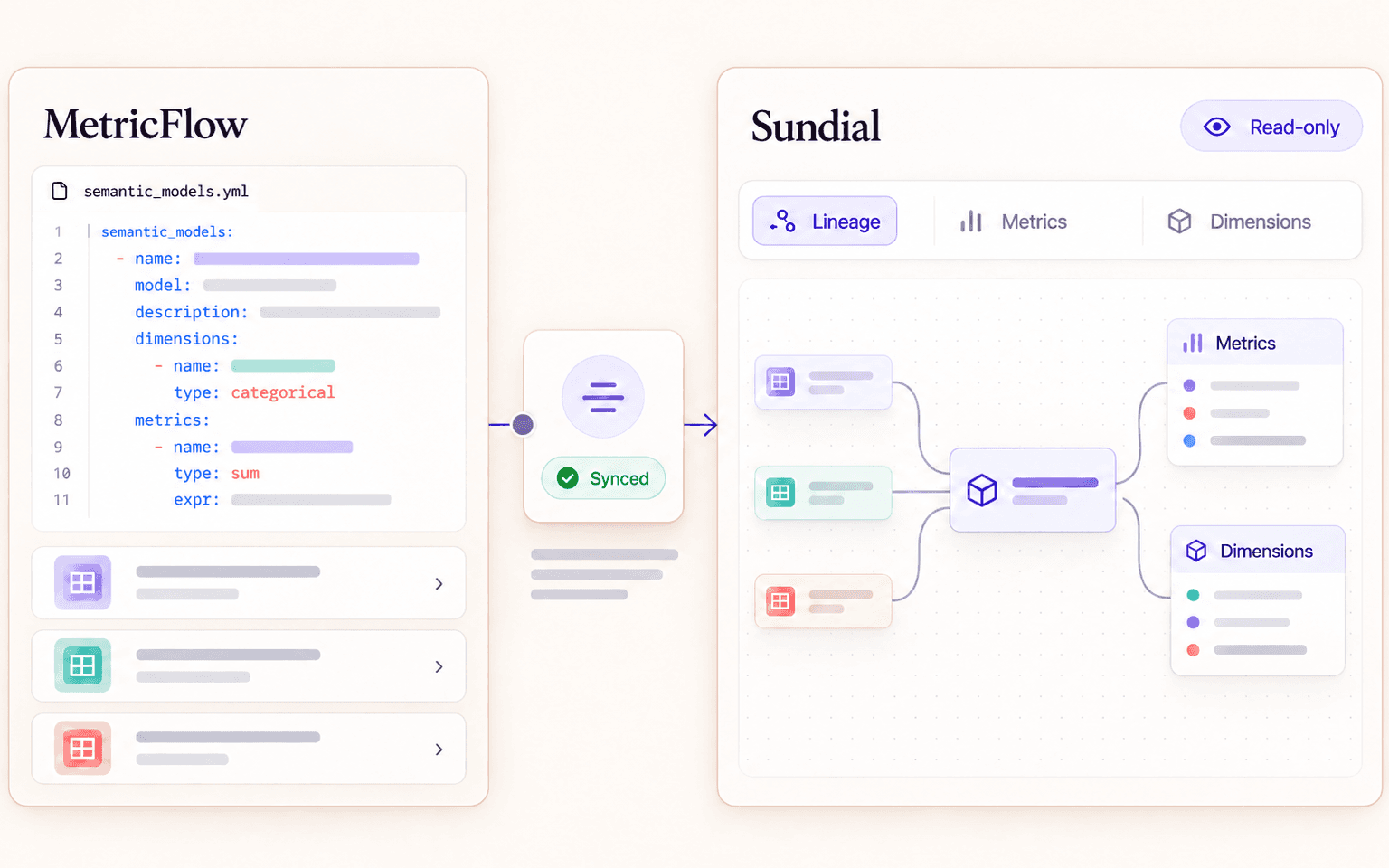
    Sundial data-modeling workflows now integrate more directly with GitHub-backed semantic context. That gives teams a clearer path from model changes to reviewed, durable analytics context that fits the development workflows they already trust.

    Data ModelingFor supported GitHub workflows
  4. Quick Chart for faster metric exploration

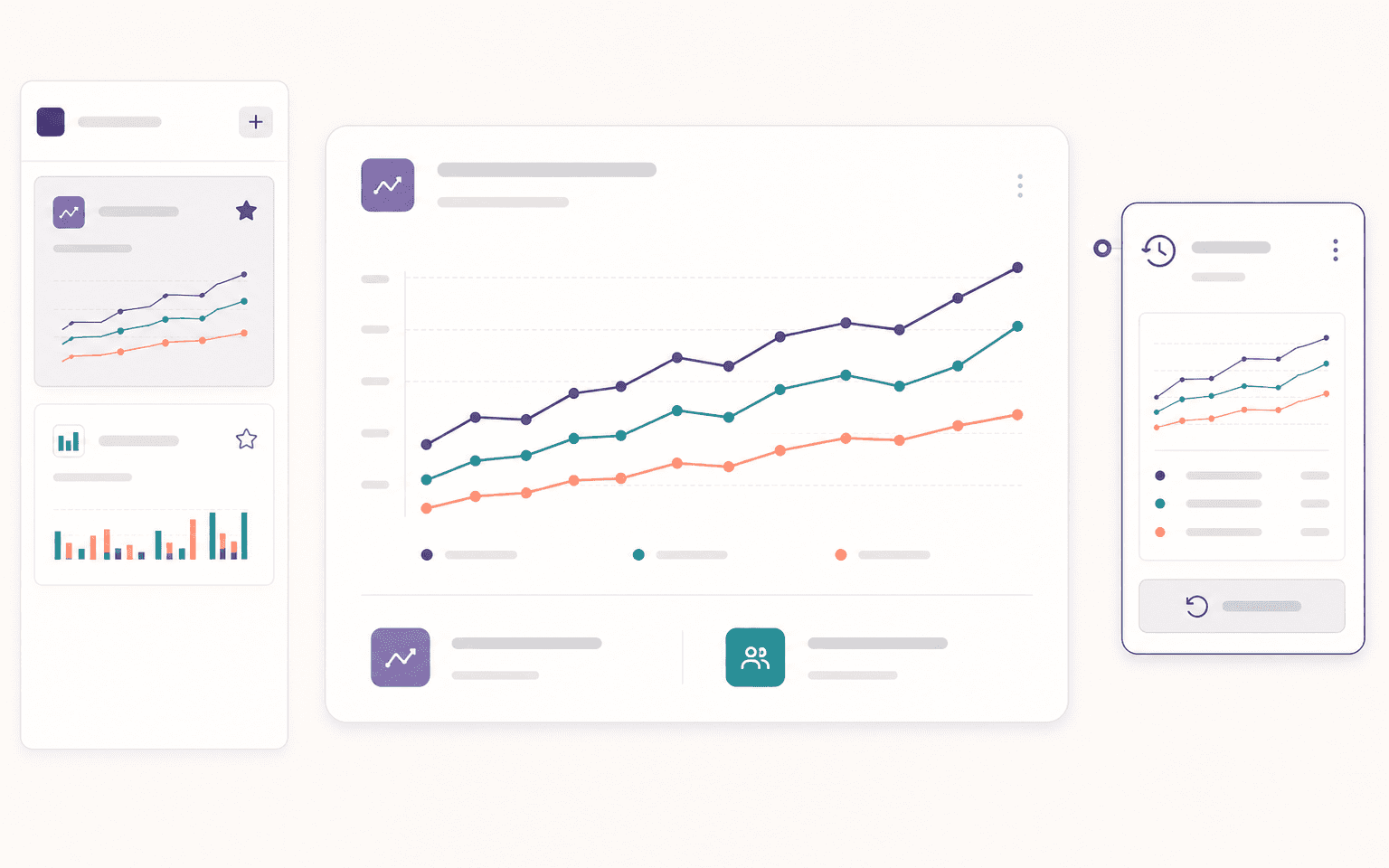
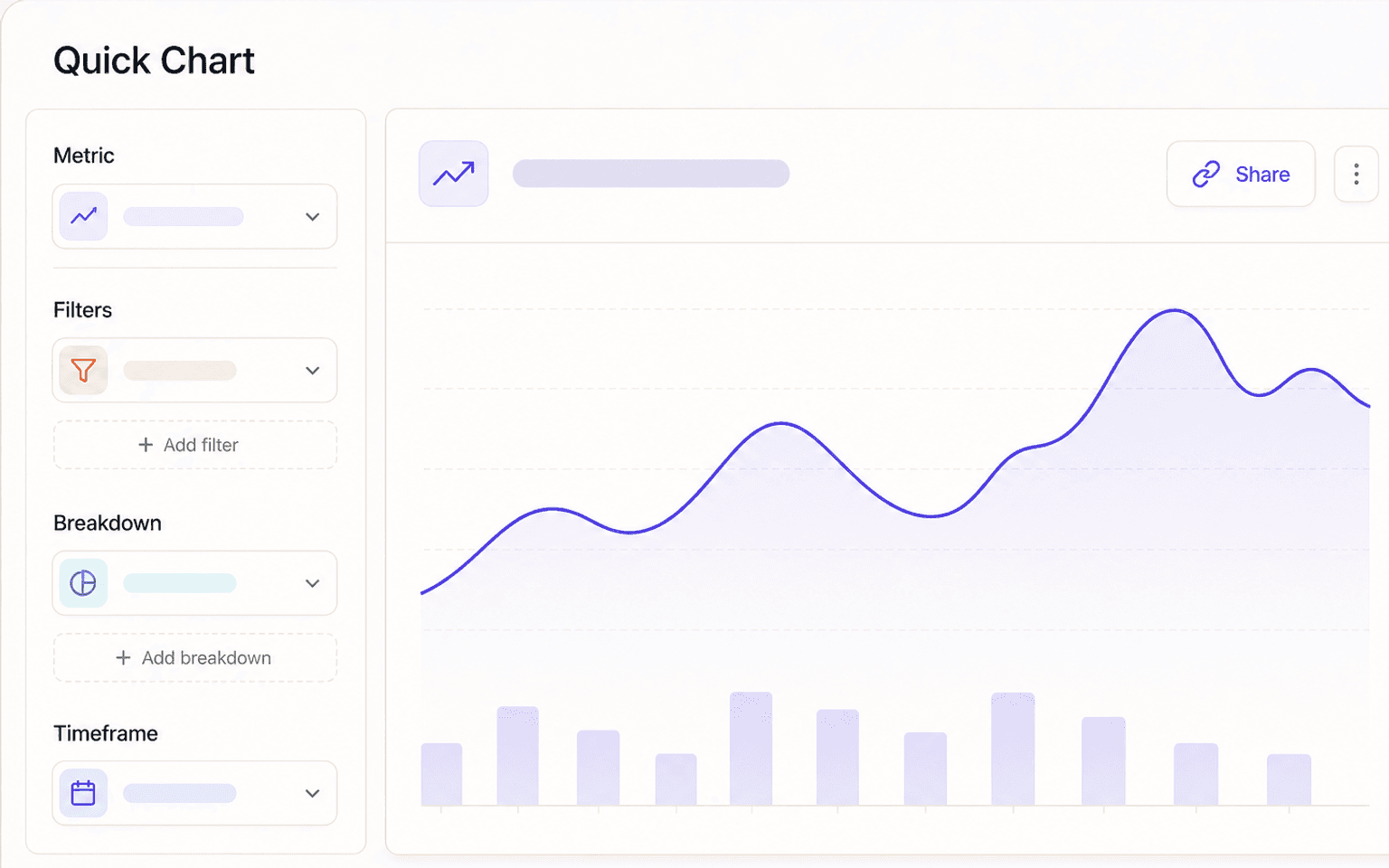
    A Quick Chart builder with metric, filter, breakdown, and timeframe controls next to a focused chart and share action.

    Quick Chart helps teams explore measures with filters, breakdowns, timeframe controls, and shareable chart URLs. It gives teams a faster path from a metric question to a focused visual view when they do not need a full investigation.

    ChartsFor supported chart workflows
  5. Proactive notification triggers for recurring analysis

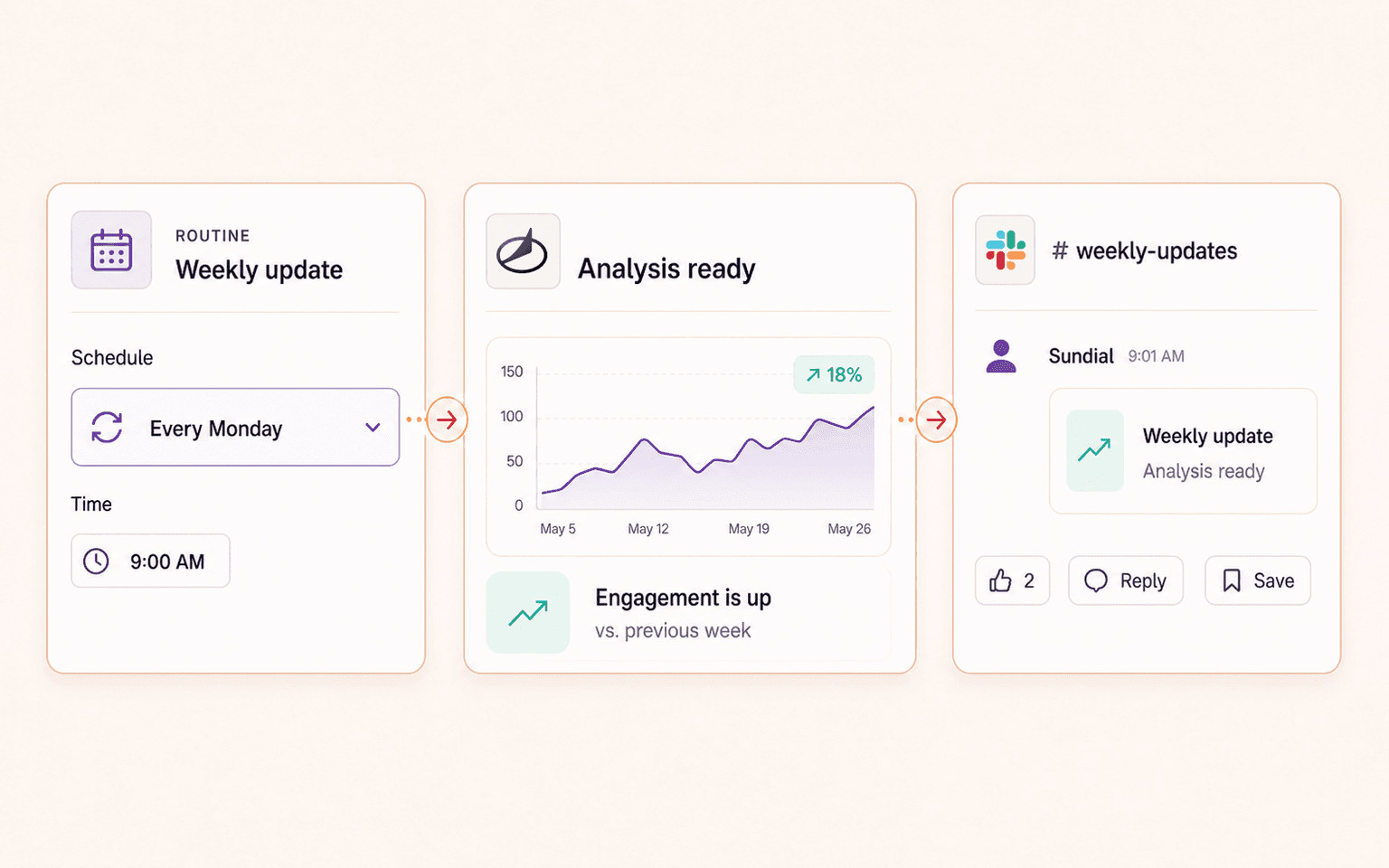
    Notification triggers let teams define recurring checks and send concise Sundial updates to the right Slack channels. Recent improvements make triggers easier to manage from the main product and more reliable for longer-running prompts.

    WorkflowsBased on workspace permissions
  6. Interruptible conversations

    Teams can stop an analysis while it is running, add context, and steer the next step. That makes longer investigations easier to guide when new information appears or the original question needs clarification.

    AI AnalystFor supported analyst workflows
  7. Ask Sundial from Slack

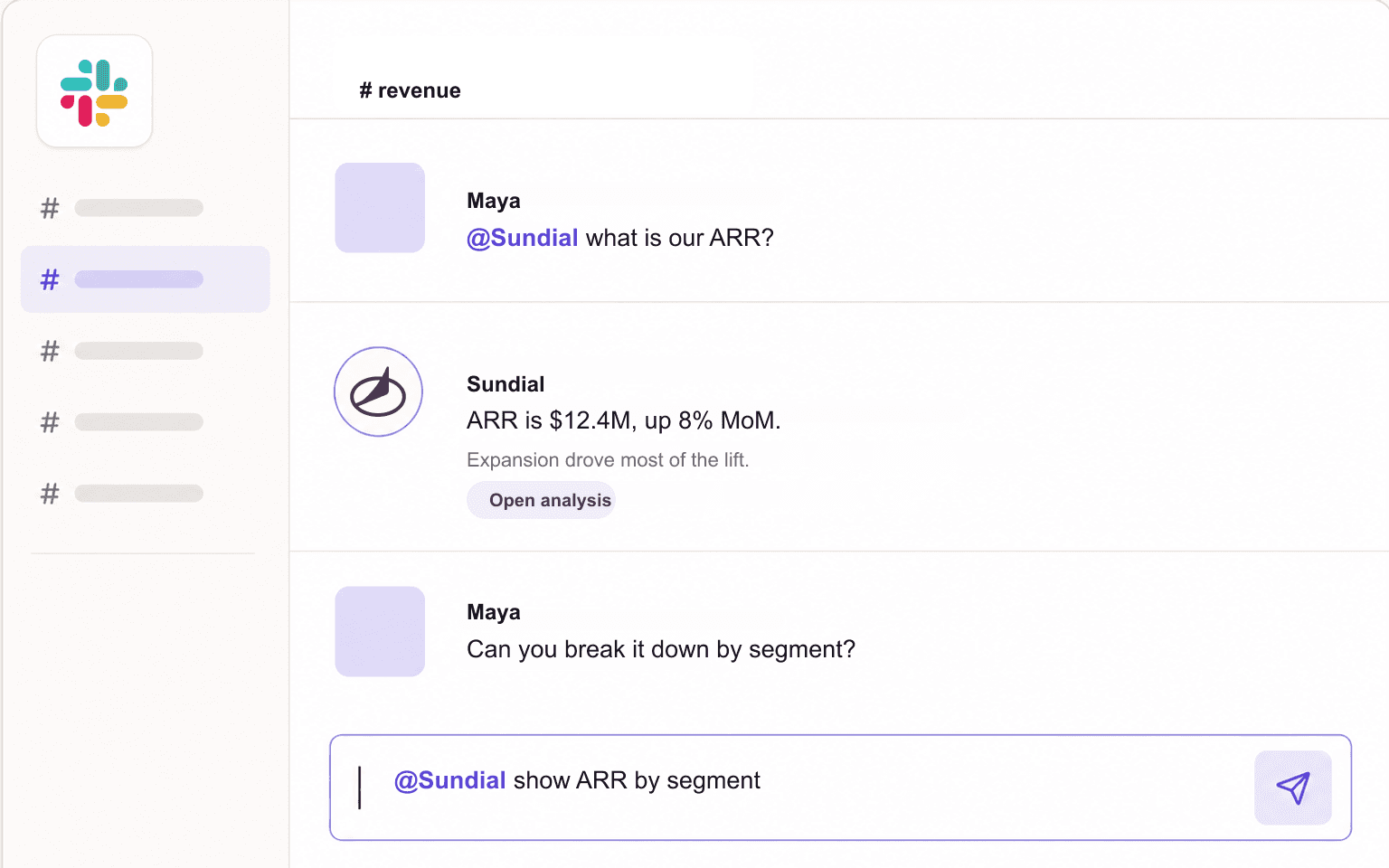
    A Slack-style conversation with the Slack logo, an @Sundial ARR question, a Sundial reply, and a user follow-up.

    Teams can mention Sundial in Slack, ask analytics questions in natural language, and get an answer where the conversation is already happening. When the question needs charts, tables, artifacts, or follow-ups, the answer can link back into the web app for deeper analysis.

    SlackFor configured workspaces
  8. Clearer progress while Sundial analyzes

    Sundial now gives teams clearer progress visibility while it works through an analysis. The goal is to help users understand the shape of the task and stay oriented during longer-running work without exposing raw chain-of-thought.

    AI AnalystFor supported analyst workflows
  9. A more resilient Sundial AI Analyst

    Sundial's AI analyst now runs on a more resilient foundation designed for real analysis work. It can use tools iteratively, stream progress, load the right business context on demand, and keep longer-running work moving even when the browser connection changes.

    AI AnalystRolling out across analyst workflows

    Shareable and downloadable analysis artifacts

    Sundial analyses can become artifacts that are easier to share across a workspace and download in supported formats. Newer artifact work adds richer previews for files such as PDFs and Excel, so useful analysis can survive the original conversation.

    AI AnalystFor supported artifact types